Create Assets from CSV with ChatGPT | A4B MCP Demo
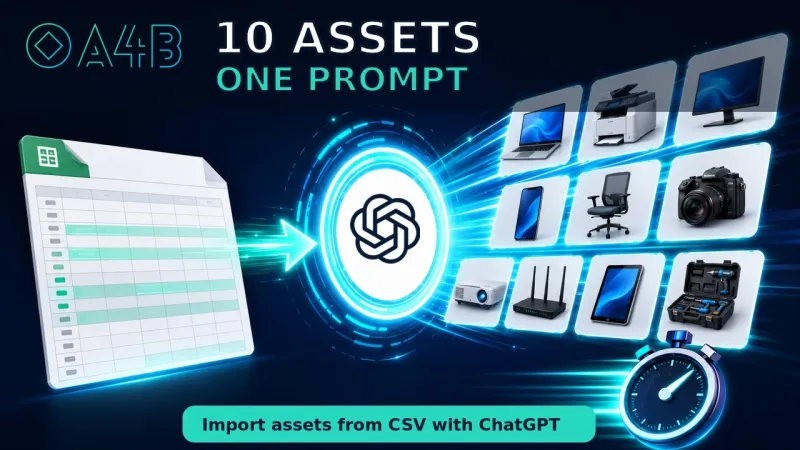
See how ChatGPT converts spreadsheet data into structured A4B asset records through the MCP integration.
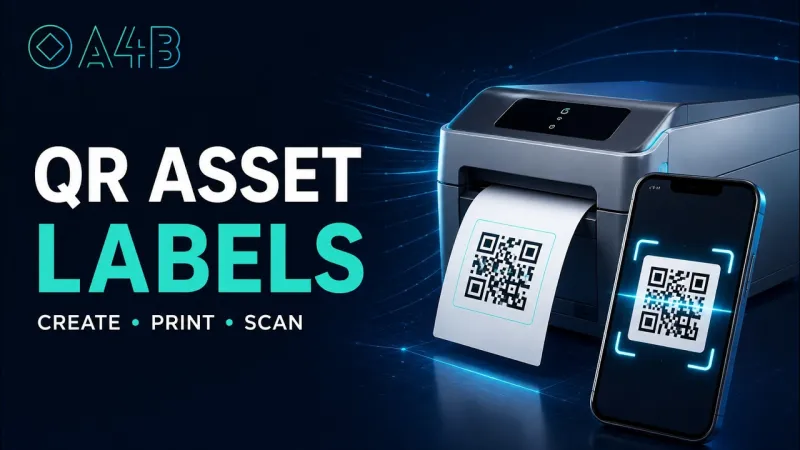
Watch: Create Assets from CSV with ChatGPT | A4B MCP DemoLearn how to create printable QR labels for multiple assets and scan them to open asset records instantly from a smartphone.
Playing the video here requires cookies from YouTube, which you have not accepted. You can change your choice in the cookie settings, or watch the video on YouTube using the link below.
Equipment that is easy to find in a database can still be hard to identify in a corridor. A label closes that gap: whoever is standing in front of the asset points a phone at it and opens the record, instead of walking back to a desk to search for it.
A4B builds the labels from the assets you already have. Select the assets you want to label, choose a label size, and print the sheet — the codes are generated for you, and there is no separate label designer to learn.
Attaching the label is the last step. Any phone camera reads the code and opens that asset in A4B — its details, its maintenance history and its scheduled work — with no mobile app to install first.