Create Assets from CSV with ChatGPT | A4B MCP Demo
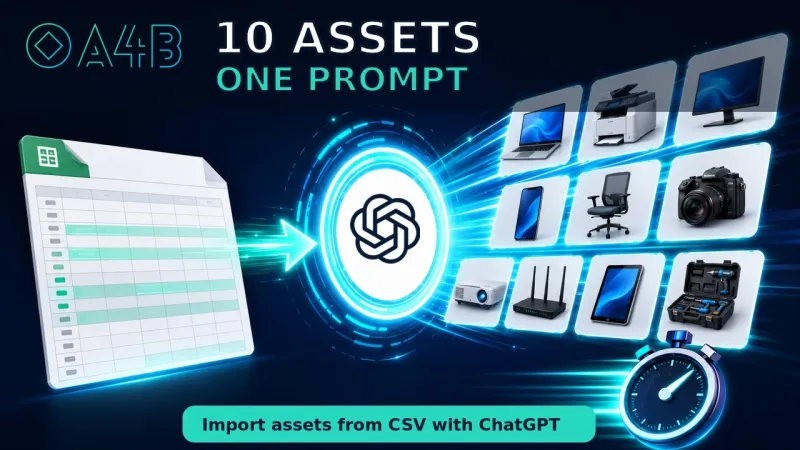
See how ChatGPT converts spreadsheet data into structured A4B asset records through the MCP integration.
Watch: Create Assets from CSV with ChatGPT | A4B MCP DemoSee how ChatGPT extracts equipment information from a supplier invoice and creates structured asset records in A4B.
Playing the video here requires cookies from YouTube, which you have not accepted. You can change your choice in the cookie settings, or watch the video on YouTube using the link below.
Equipment almost always arrives with paperwork before it arrives in your asset register. This guide shows that paperwork going straight into A4B: a supplier invoice becomes structured asset records without anyone re-keying the details.
ChatGPT reads the document you give it and, through the MCP connection to your A4B workspace, creates the assets from what it finds. The information the supplier already typed once does not have to be typed again.
Assets created this way are ordinary A4B records. Each one receives an inventory number, belongs to a workspace, can be scheduled for maintenance, and appears in your activity history like any other asset. Access is authorised per organisation, and every action the assistant takes is recorded in the audit trail.